
Fans

Hear less. Or hear more, on purpose.

Fan speed and chip temperature in the menu, in Monitors, or beside the menu-bar icon. Four steps — Auto, Boost 25%, Boost 50%, Max — and the rpm each one means on your Mac.

Fans
Speed2,350 · 2,457 rpm
Chip46 °C

Fan SpeedBoost 25% ›
Illustration, in the app's own wording

Version 0.98.1 · Apple silicon · macOS 15 or later · Notarized · Free

Bindings

Shortcuts, gestures and windows

Keyboard shortcuts, multi-finger trackpad gestures and right-button mouse strokes live in one list. Each runs an action: move a window, send a keystroke, open an app, reveal a file, start a timer.

Eighteen window positions

Halves, thirds, two-thirds, quarters, maximize, centre, next display, and restore the size it had before.

Snap by dragging

Drag a window to a screen edge and it snaps there. It switches off on its own, because it is the part most likely to feel intrusive.

Gestures that know the app

Mouse strokes apply everywhere or in one app only. Trackpad gestures are read from the device itself, so they need no permission at all.

Fans

Fan speed and chip temperature

Read what the fans are doing and how hot the chip is — in the menu, in Monitors, or beside the menu-bar icon. Then run them faster when you want to.

Four steps, and the rpm each one means

Auto leaves it to macOS. Boost 25%, Boost 50% and Max hold every fan at least that far up its own range — and the menu shows what that is on your Mac, because no two fans share a range.

A floor, never a ceiling

A small helper follows the chip's own sensors every second and runs the fans faster than you asked for when it gets hot.

It hands them back

When you quit, when the Mac sleeps, when a reading stops making sense, or if the helper is stopped. Auto is always one click away.

Reading costs nothing

Speed and temperature need no permission. Only boosting asks, once, for the helper to be allowed in Login Items.

Monitors
What your Mac is doing, and what is in the way

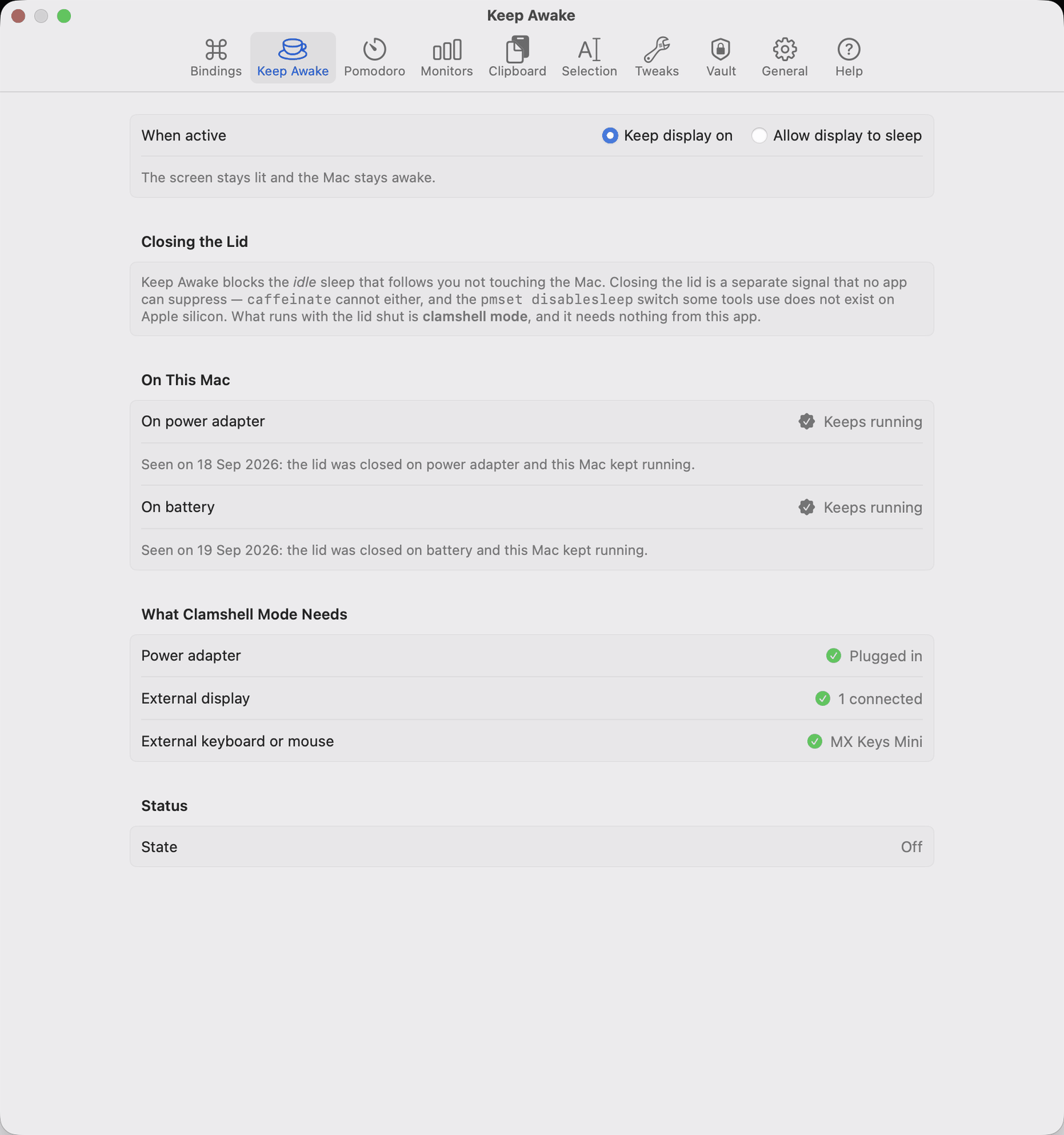
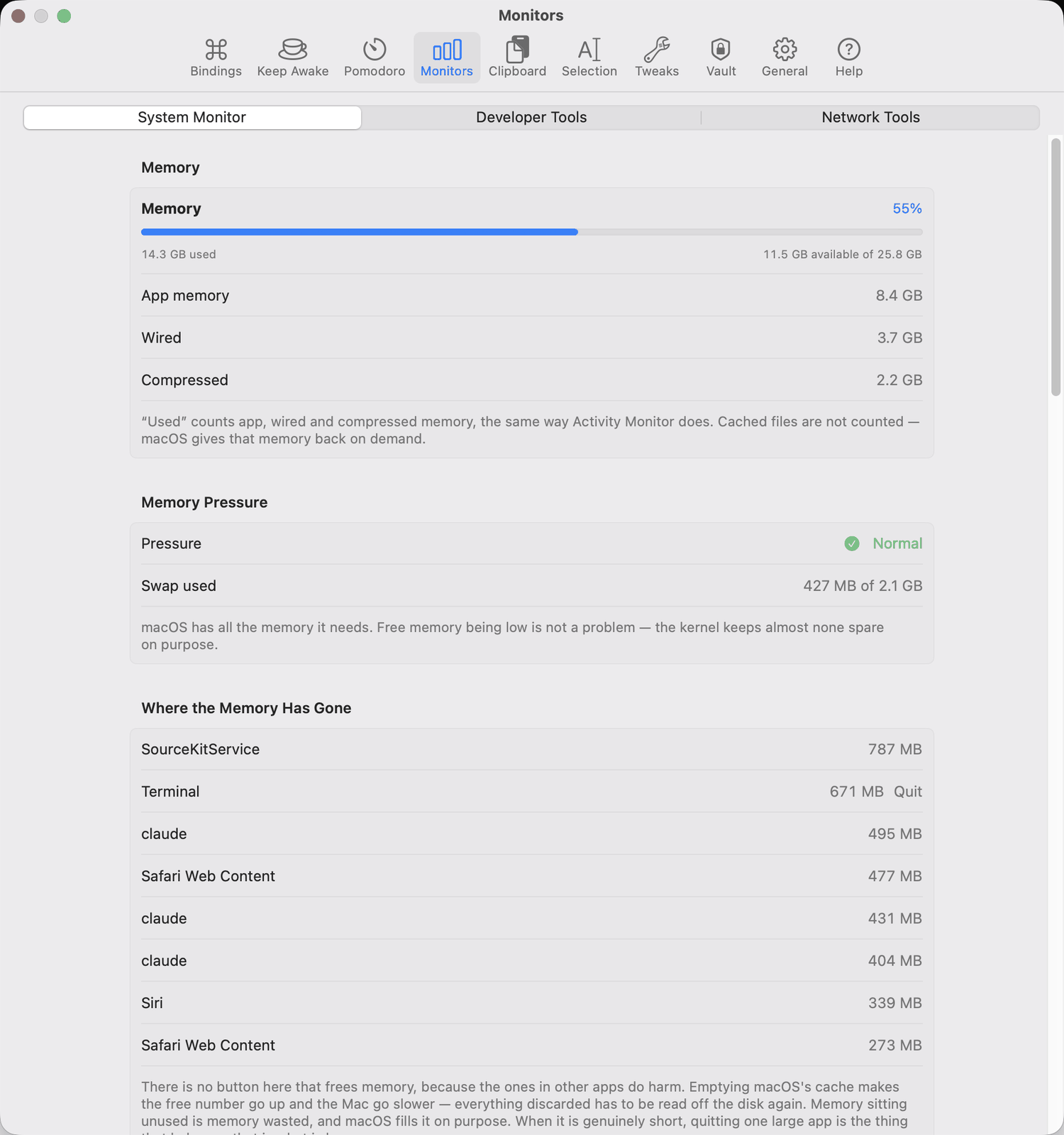
  • Memory, disk and power. Pressure and swap, what is actually free, battery temperature, watts in and out.
  • The heaviest processes, with a Quit button beside each one.
  • Disk space to reclaim, from a hand-written list. Anything large but irreplaceable is reported and left alone.
  • Local servers. The ports your own processes are listening on — the dev server from this morning, and the one from the branch before it — with a Stop that says why when a process refuses to go.
  • Connections. Which of your programs are talking to the network, to what, on which port, and for how long — with names as well as addresses. It can tell you when a program you have not seen before starts using the network. It lists; it does not block.
  • Command Path. Every folder your shell searches, what put it there, and for the broken ones: why, what a fix changes, and how to undo it.
Fulcrum's Monitors window, showing memory, memory pressure and the heaviest processes
There is no button here that frees memory, and the pane says why.

Text

Clipboard, selection and a note

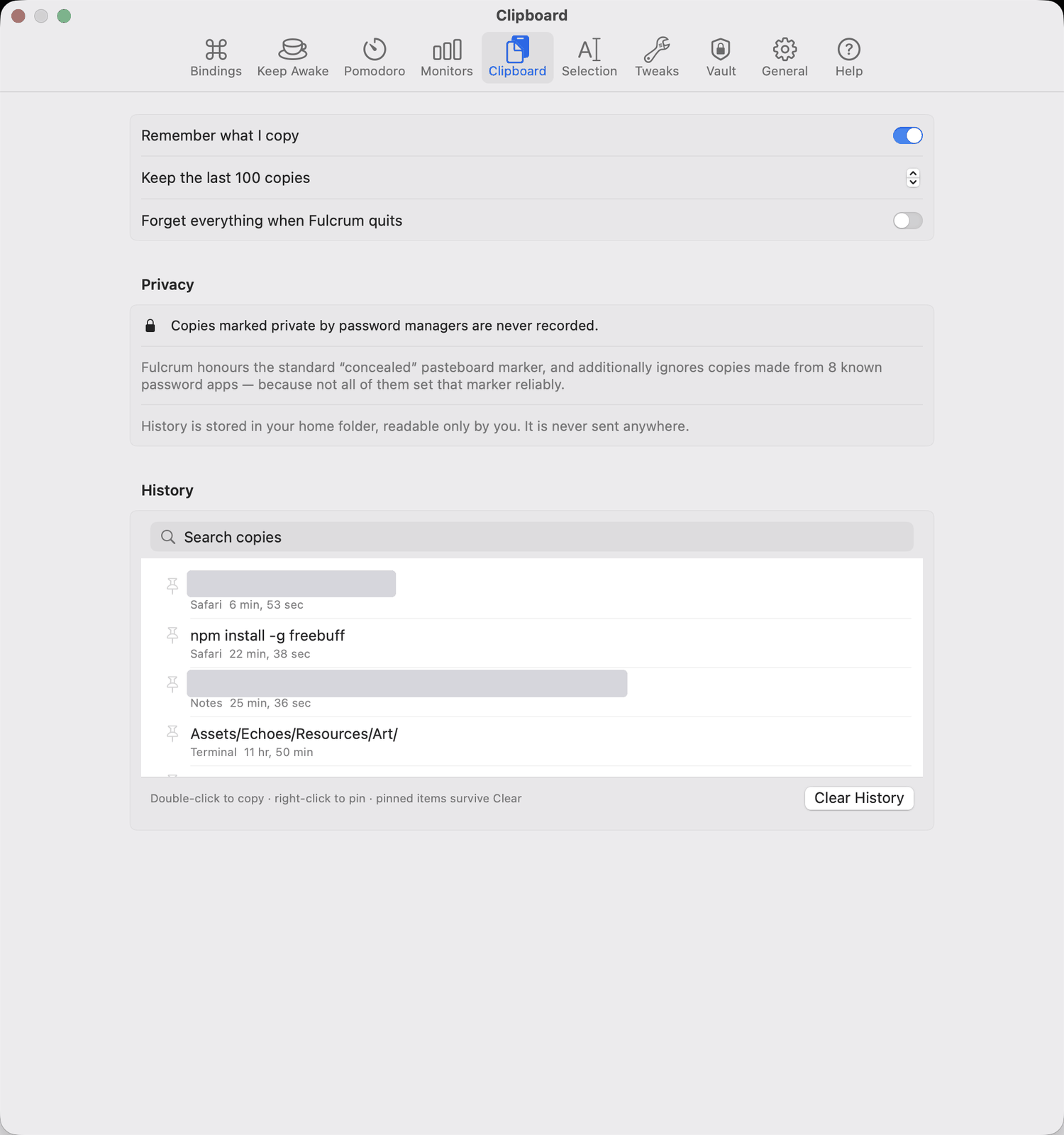
  • Clipboard history, newest first, leaving out what a password manager marked private.
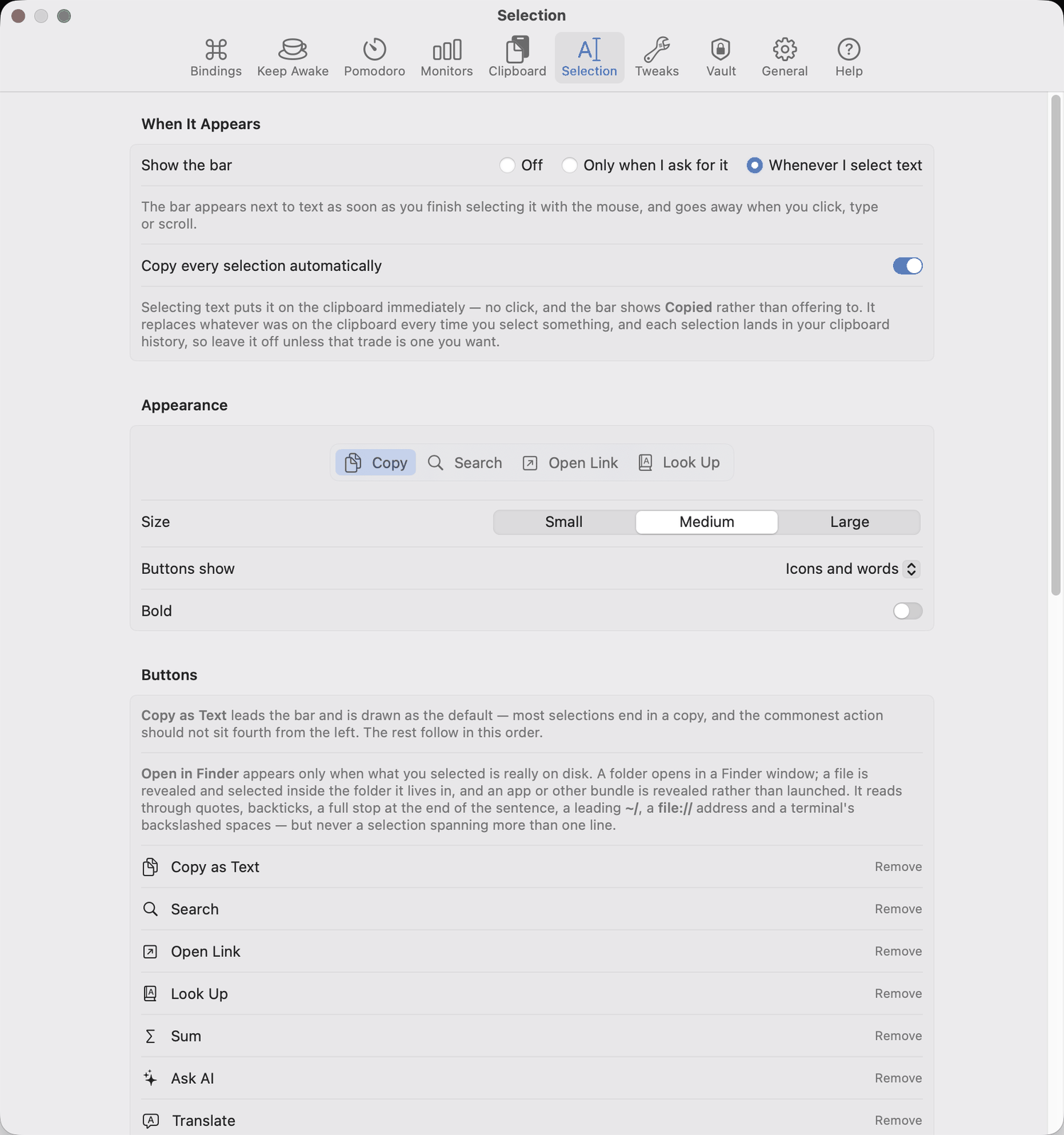
  • A selection bar wherever you select text: copy as plain text, search, look up, add up the numbers, translate, ask a model, send it to the note.
  • A model that runs on your Mac. Ask AI and Translate can use Apple's own on-device model instead of a paid service: no key, no account, nothing sent anywhere, and it works with the network off. Needs Apple silicon, macOS 26 or later and Apple Intelligence switched on; the settings pane says which of those is missing. It is a smaller model than the paid ones, so it stays a choice you make rather than a substitution made for you.
  • Open in Finder. Select a path anywhere — a terminal, a note, a chat — and it opens that folder or reveals that file. It appears only when the selection really is something on disk.
  • A notepad that stays where you left it.
Fulcrum's Selection settings: when the bar appears, its size and appearance, and the list of buttons with a note explaining when Open in Finder appears
Each button appears only when it applies to what you selected.

Vault

The numbers you keep looking up

Cards, bank accounts, wallet addresses and API keys. AES-256-GCM under a key derived from your passphrase, in a keychain item marked device-only.
  • Masked by default, and excluded from screen recording, so it stays out of shared screens and captures.
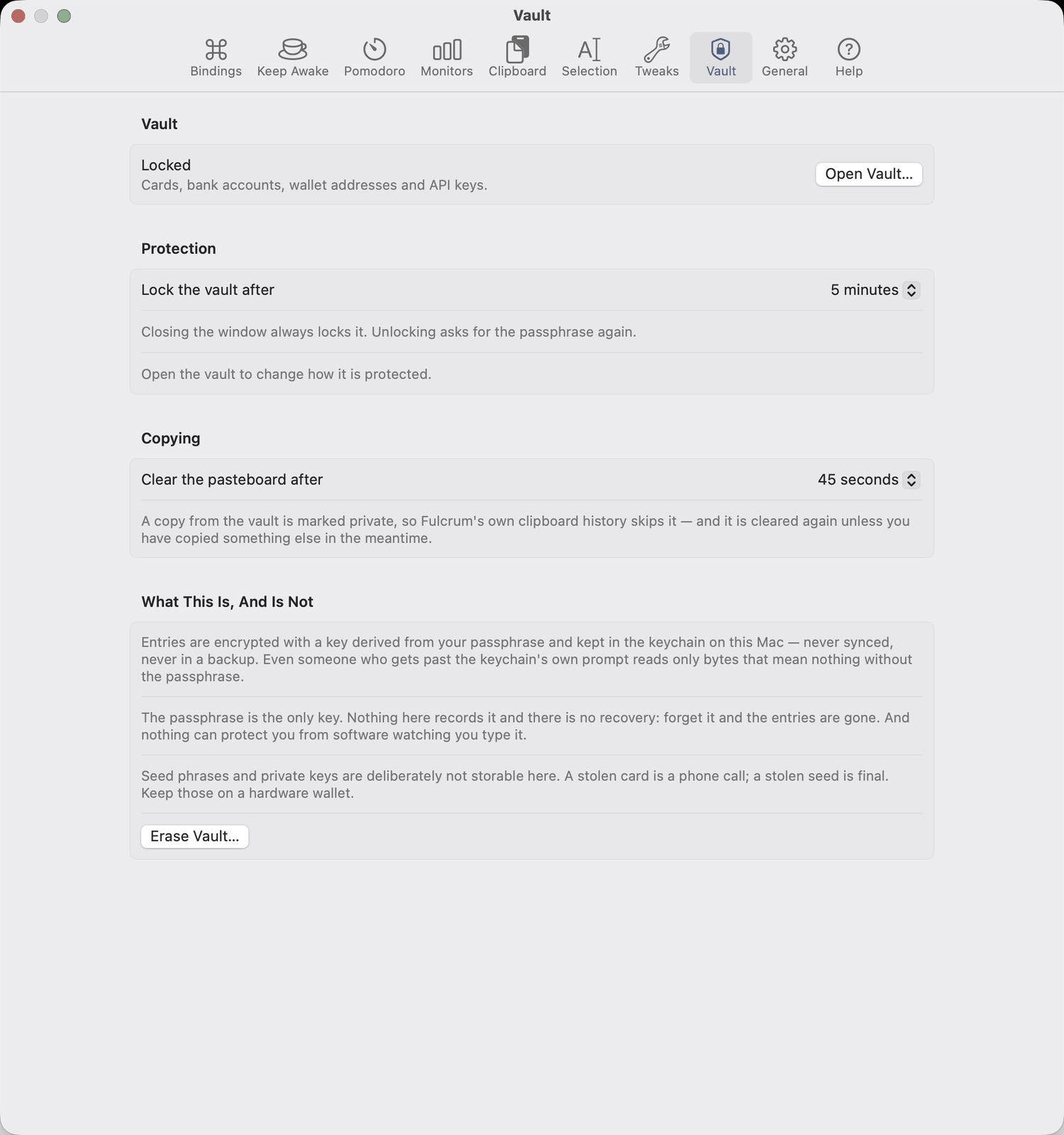
  • Copies clear themselves after a time you choose.
  • It says what it is not. Touch ID gates the app, not the keychain item, and the app tells you so rather than implying more.
  • No recovery. The passphrase is the only key, nothing records it, and you are told so before you set one.
Fulcrum's Vault settings: locked, lock after five minutes, clear the pasteboard after 45 seconds, and a section headed “What This Is, And Is Not”
The section that says what it is not sits in the app, not only on this page.

And the rest

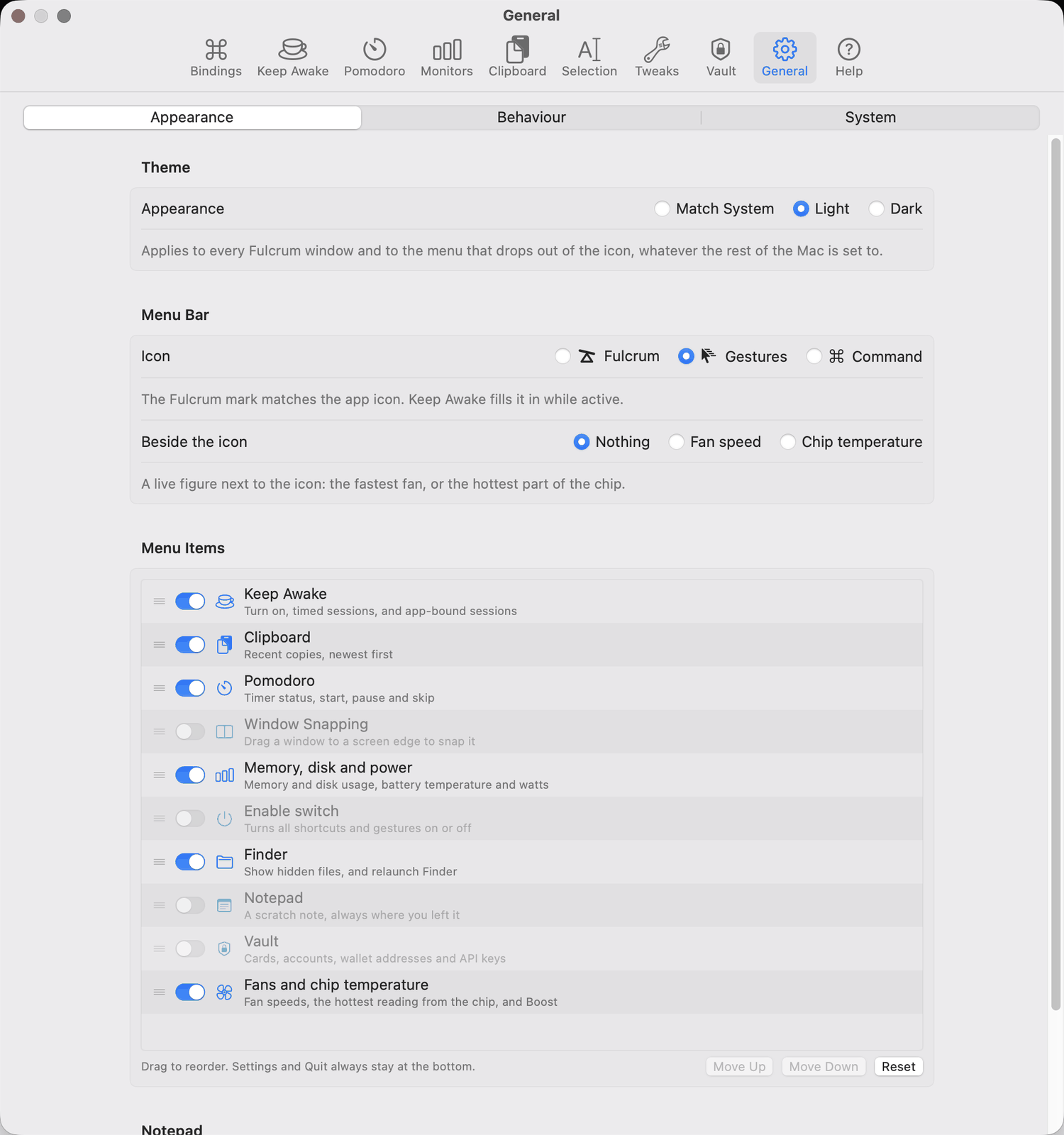
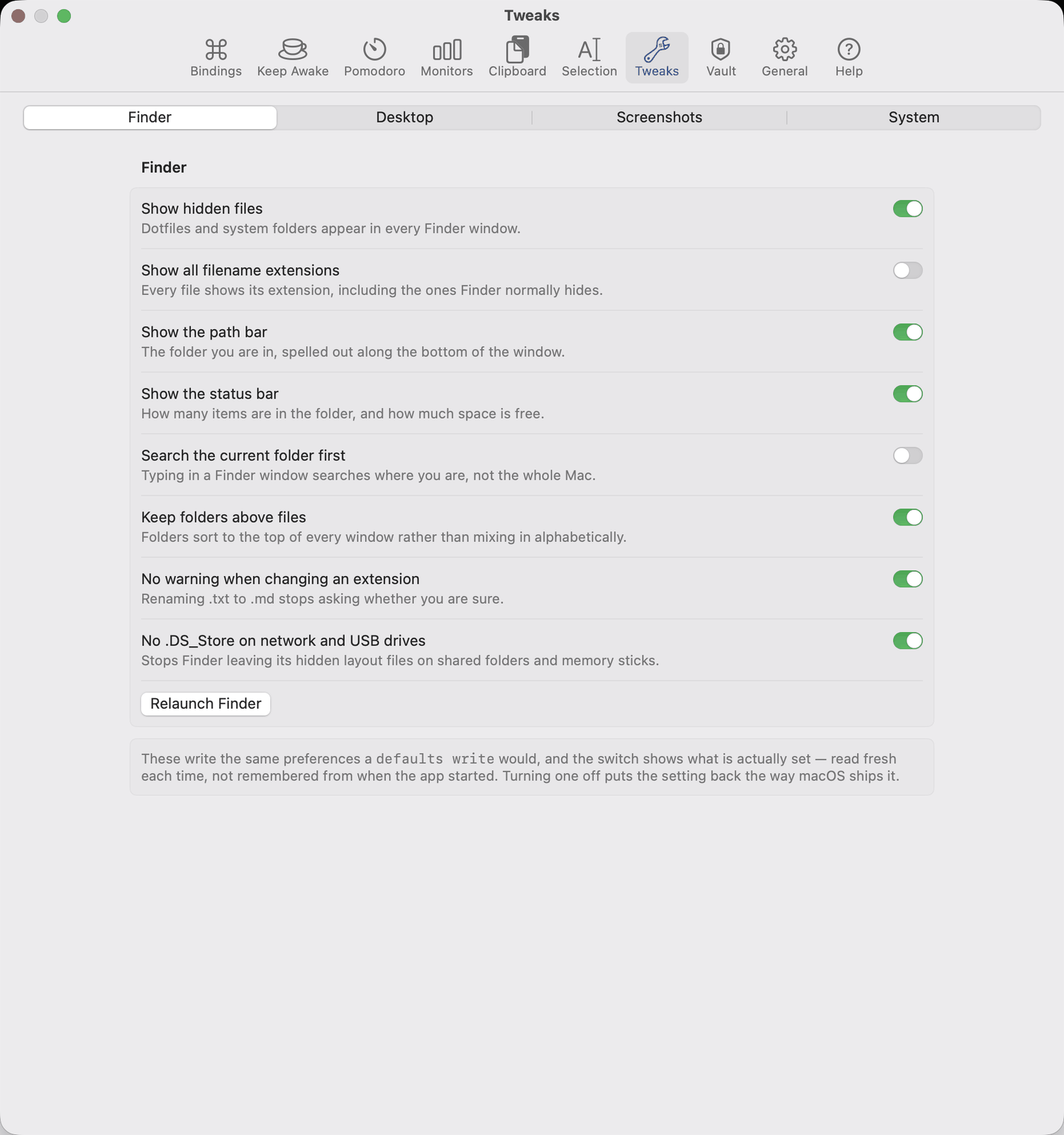
Tweaks, timers, and the menu bar itself

Straight answers

What it will not do

No quieting the fans

Boost only sets a floor: never below your level, never below what the chip's temperature calls for.

No guessing at what to delete

The disk list is fixed and hand-written; anything large but irreplaceable is reported and left alone.

No recovery for a forgotten passphrase

It is the only key, and the app says so before you set one.

No pretending about Touch ID or the lid

Where macOS sets a limit, Fulcrum names it instead of working around it badly.

No blocking connections

The connection list reports what is happening and never stands in the way of it. macOS also only lets an app read its own user's sockets, so its own background services are not in the list.

No account, no telemetry

What reaches the network: the update check, the AI buttons if you point them at a paid service, and the developer tools you run yourself. Point them at Apple's on-device model instead and they reach nothing at all.

What it asks for

Fan and temperature readingsNothing at all.
Seeing your programs' connectionsNothing — the kernel's own process table, and only processes you own.
Ask AI and Translate, on this MacNothing, and no key — but Apple Intelligence has to be switched on, and the pane says so when it is not.
Trackpad gesturesNothing — the device is read directly.
Shortcuts, window management, selectionAccessibility. Without it they quietly do nothing, so the app checks and tells you.
Fan boostOne approval in Login Items, the first time you choose it, for the helper that does the writing.

Why it is not on the App Store

The App Store requires the sandbox, and the sandbox forbids all three things this app is built on: window management through the accessibility API, sending keystrokes, and reading trackpad frames. BetterTouchTool, Karabiner-Elements, Hammerspoon and Swish are direct downloads for the same reason. Fulcrum is signed with a Developer ID, notarized by Apple, and updates itself in place.